> For the complete documentation index, see [llms.txt](https://psu-sis-team.gitbook.io/sis/llms.txt). Markdown versions of documentation pages are available by appending `.md` to page URLs; this page is available as [Markdown](https://psu-sis-team.gitbook.io/sis/study/thesis.md).

# วิทยานิพนธ์/สารนิพนธ์

หน้านี้สำหรับนักศึกษาบัณฑิตศึกษา (ปริญญาโทและปริญญาเอก) ที่ลงทะเบียนวิทยานิพนธ์หรือสารนิพนธ์ นักศึกษาปริญญาตรีจะไม่เห็นเมนูนี้

1. เปิดเมนู ☰ หรือหน้า **บริการ** แล้วกดเมนูวิทยานิพนธ์/สารนิพนธ์
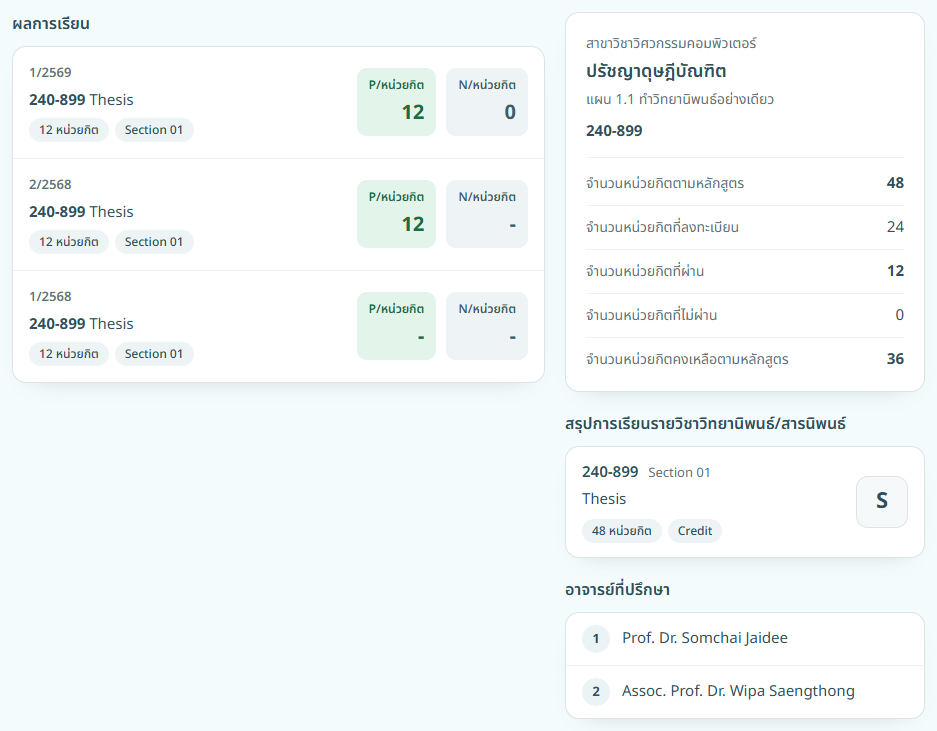
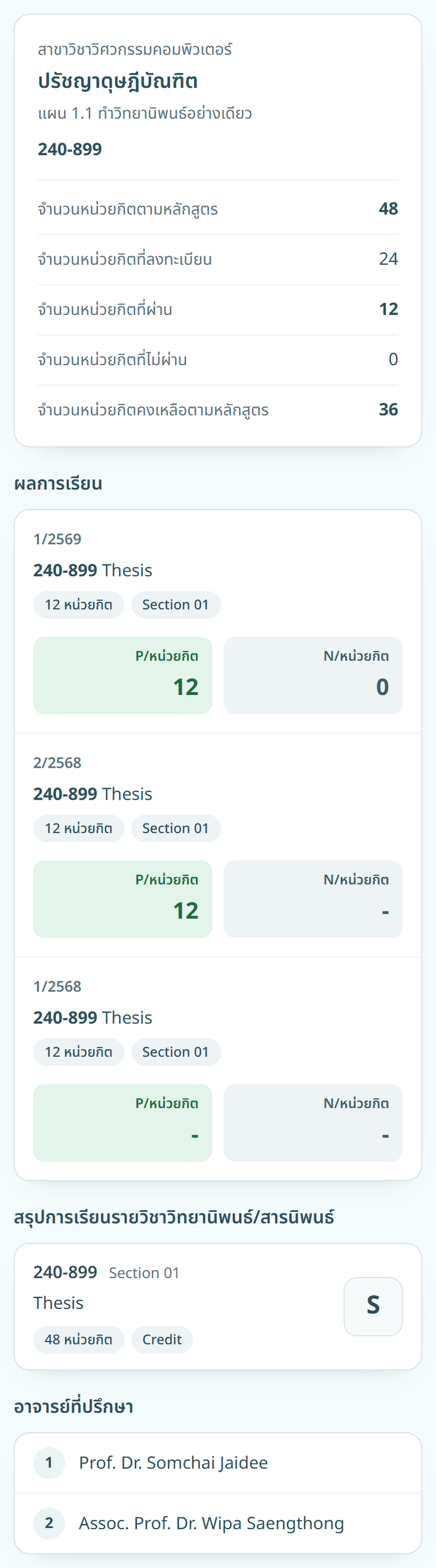
2. ระบบแสดงข้อมูลวิทยานิพนธ์ของนักศึกษา

{% columns %}
{% column width="66%" %}
<figure><img src="https://208497195-files.gitbook.io/~/files/v0/b/gitbook-x-prod.appspot.com/o/spaces%2FCPXBzAGak03VHIZfeOz0%2Fuploads%2Fgit-blob-7abb7b02bc7f643e6ee532da48c14b7606b76fd6%2Fstudy-thesis-filled-desktop.png?alt=media" alt="ข้อมูลวิทยานิพนธ์"><figcaption><p>คอมพิวเตอร์</p></figcaption></figure>
{% endcolumn %}

{% column width="34%" %}

<figure><img src="https://208497195-files.gitbook.io/~/files/v0/b/gitbook-x-prod.appspot.com/o/spaces%2FCPXBzAGak03VHIZfeOz0%2Fuploads%2Fgit-blob-d6dda0f1dc76d006c6b2a62efb233827d7a5b66e%2Fstudy-thesis-filled.png?alt=media" alt="ข้อมูลวิทยานิพนธ์"><figcaption><p>มือถือ</p></figcaption></figure>
{% endcolumn %}
{% endcolumns %}

หน้านี้มี 4 ส่วน

* รายวิชาวิทยานิพนธ์และหลักสูตร พร้อม **จำนวนหน่วยกิตตามหลักสูตร** **จำนวนหน่วยกิตที่ลงทะเบียน** **จำนวนหน่วยกิตที่ผ่าน** **จำนวนหน่วยกิตที่ไม่ผ่าน** และ **จำนวนหน่วยกิตคงเหลือตามหลักสูตร**
* **ผลการเรียน** ของวิทยานิพนธ์ในแต่ละภาคการศึกษา
* **สรุปการเรียนรายวิชาวิทยานิพนธ์/สารนิพนธ์** พร้อมผลการเรียนสุดท้าย
* **อาจารย์ที่ปรึกษา** วิทยานิพนธ์

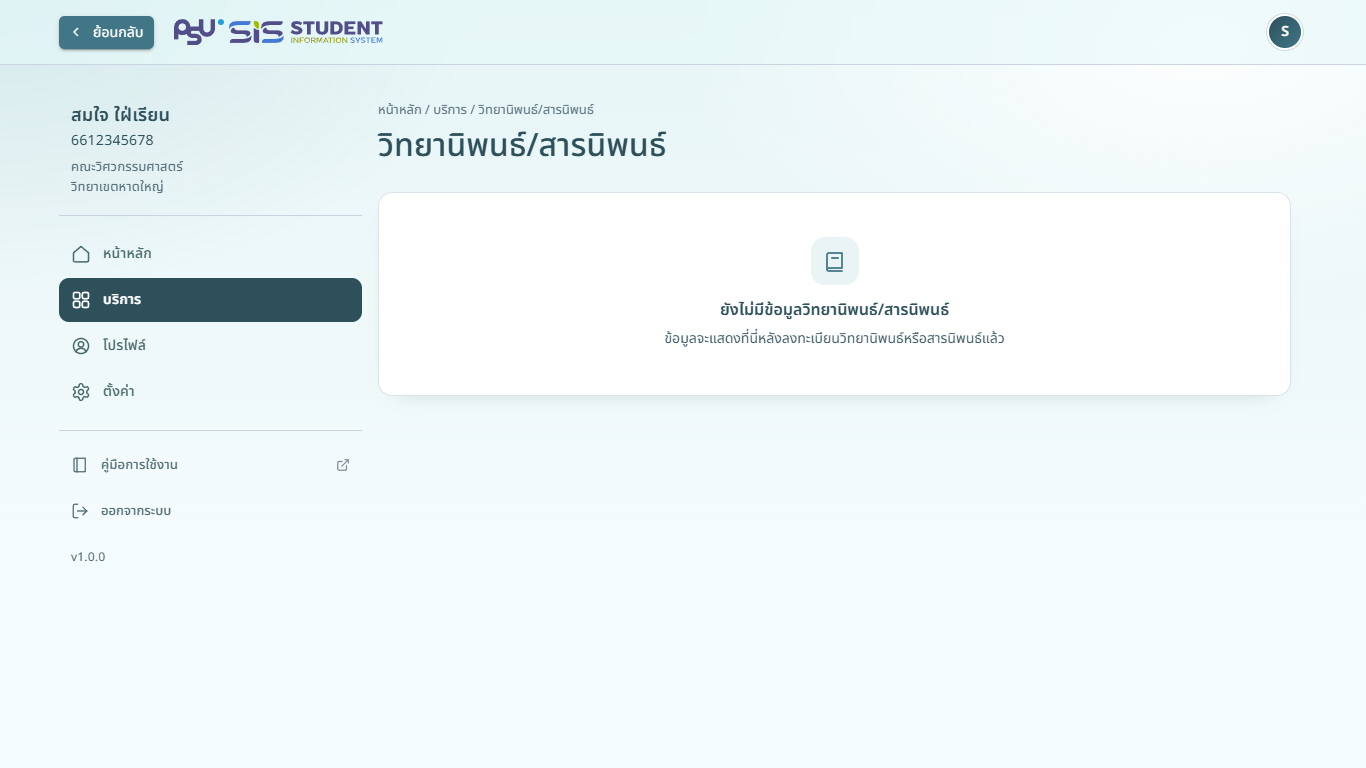
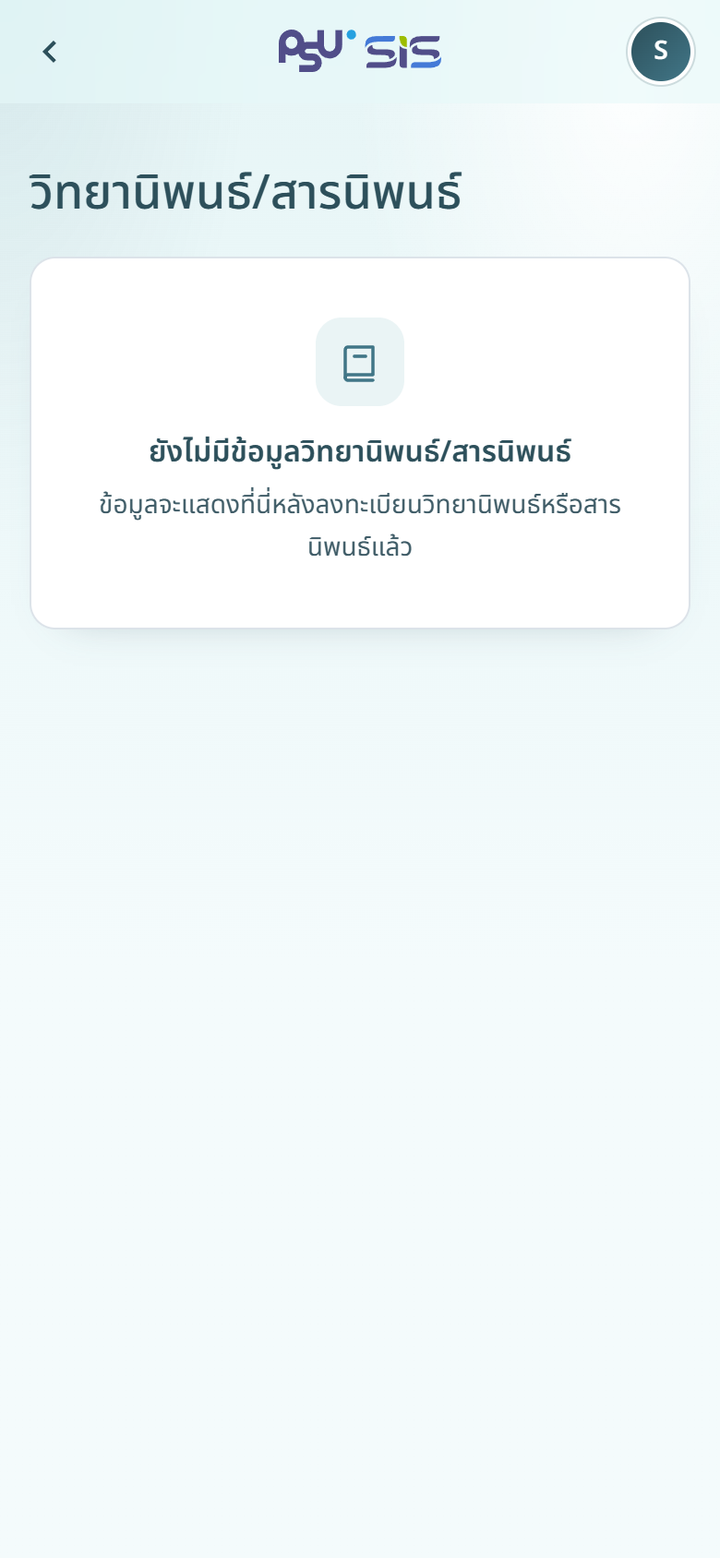
หากยังไม่ได้ลงทะเบียนวิทยานิพนธ์หรือสารนิพนธ์ หน้าจอแสดง **ยังไม่มีข้อมูลวิทยานิพนธ์/สารนิพนธ์**

{% columns %}
{% column width="66%" %}
<figure><img src="https://208497195-files.gitbook.io/~/files/v0/b/gitbook-x-prod.appspot.com/o/spaces%2FCPXBzAGak03VHIZfeOz0%2Fuploads%2Fgit-blob-7734b7c03e29330d47b527397192a69e9906c856%2Fstudy-thesis-desktop.png?alt=media" alt="ยังไม่มีข้อมูลวิทยานิพนธ์"><figcaption><p>คอมพิวเตอร์</p></figcaption></figure>
{% endcolumn %}

{% column width="34%" %}

<figure><img src="https://208497195-files.gitbook.io/~/files/v0/b/gitbook-x-prod.appspot.com/o/spaces%2FCPXBzAGak03VHIZfeOz0%2Fuploads%2Fgit-blob-bd4d5a1d9399cafb12a7cbacd6c2d4885d06171c%2Fstudy-thesis.png?alt=media" alt="ยังไม่มีข้อมูลวิทยานิพนธ์"><figcaption><p>มือถือ</p></figcaption></figure>
{% endcolumn %}
{% endcolumns %}

วิธีลงทะเบียนและถอนวิทยานิพนธ์อยู่ใน [ลงทะเบียนเรียน](/sis/enrollment/enrollment.md)