> For the complete documentation index, see [llms.txt](https://psu-sis-team.gitbook.io/sis/llms.txt). Markdown versions of documentation pages are available by appending `.md` to page URLs; this page is available as [Markdown](https://psu-sis-team.gitbook.io/sis/manual/en/study/lecturer-timetable.md).

# Lecturer timetable

Search for a lecturer and see which subjects they teach, and when, in the semester you choose.

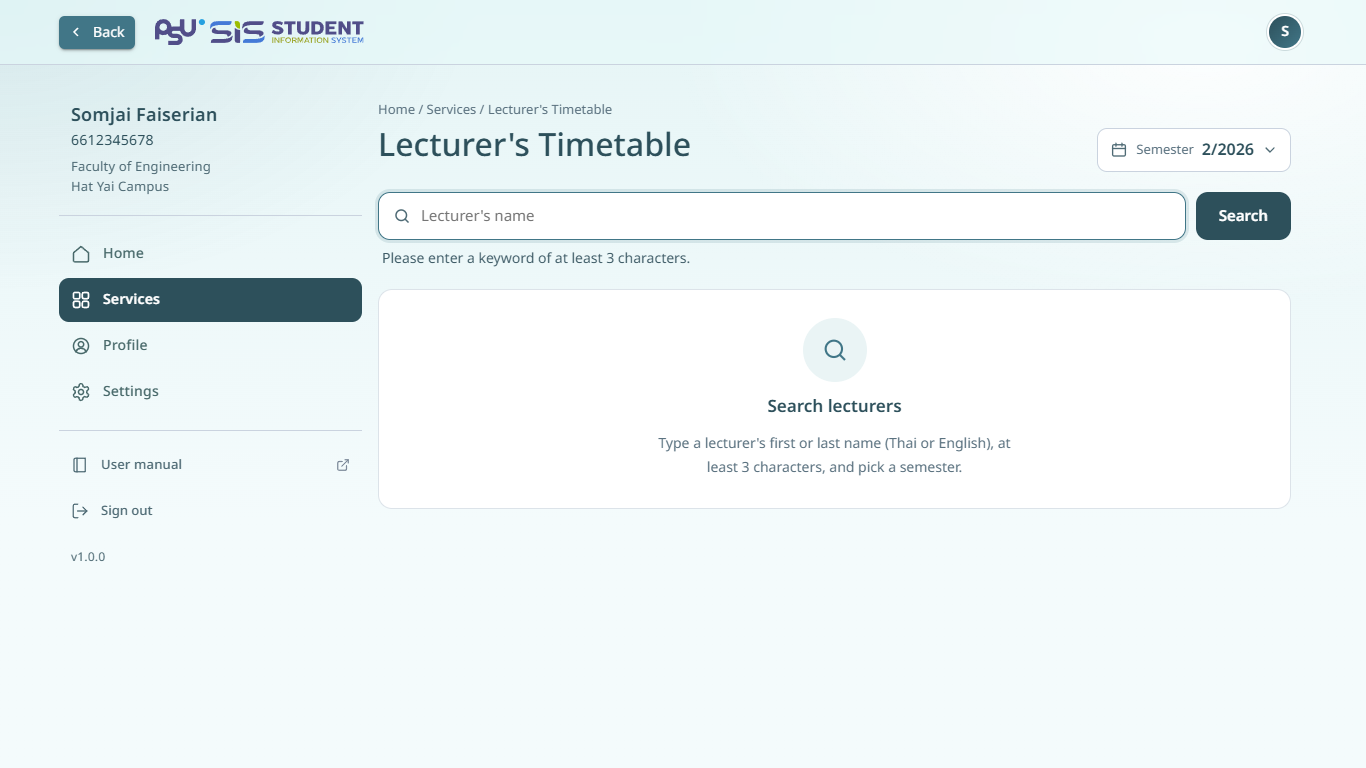
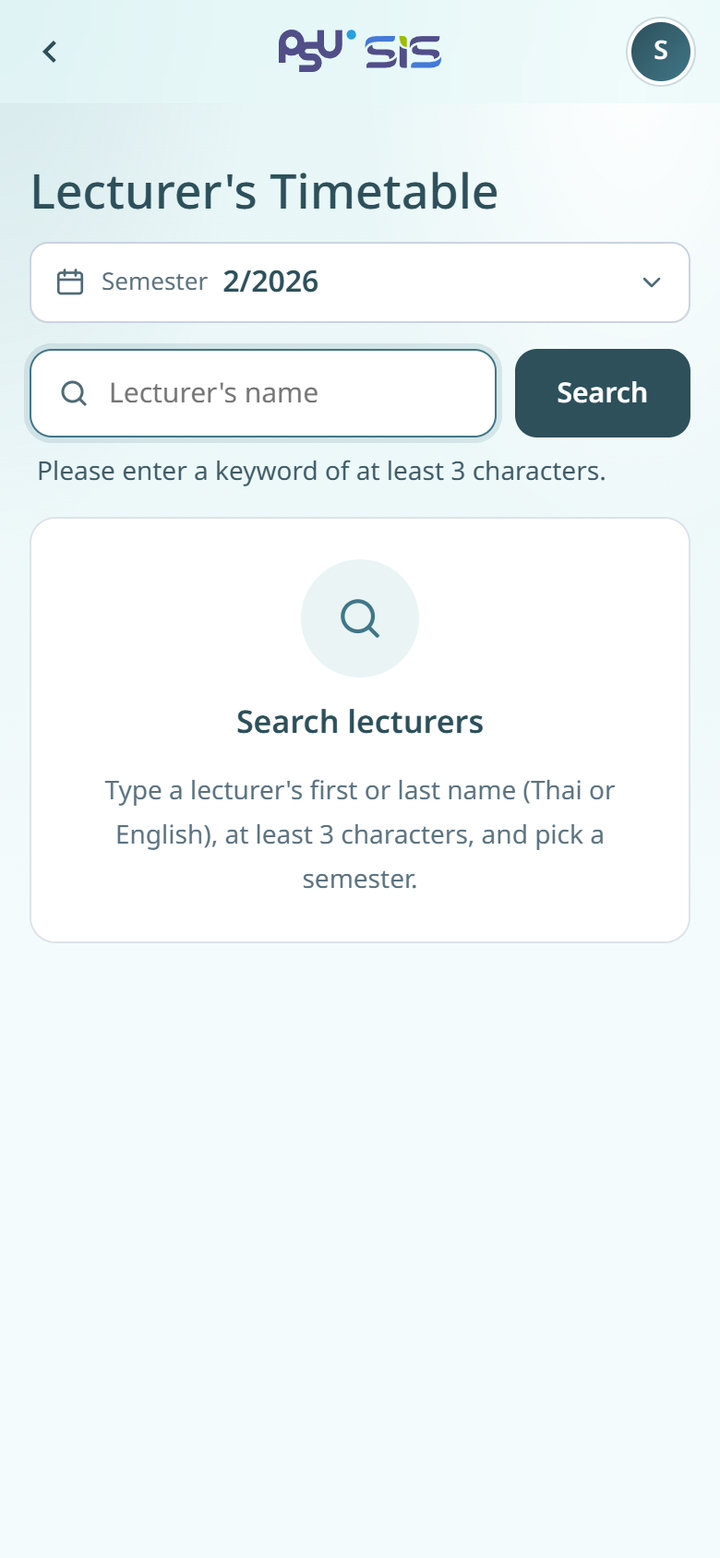
## Search for a lecturer

1. Open the ☰ menu and tap **Lecturer's Timetable**.
2. The current semester is chosen for you. To choose another semester, tap the **Semester** field.
3. Type the lecturer's first or last name in **Lecturer's name**. Use at least 3 characters, in Thai or English.
4. Tap **Search** or press Enter.
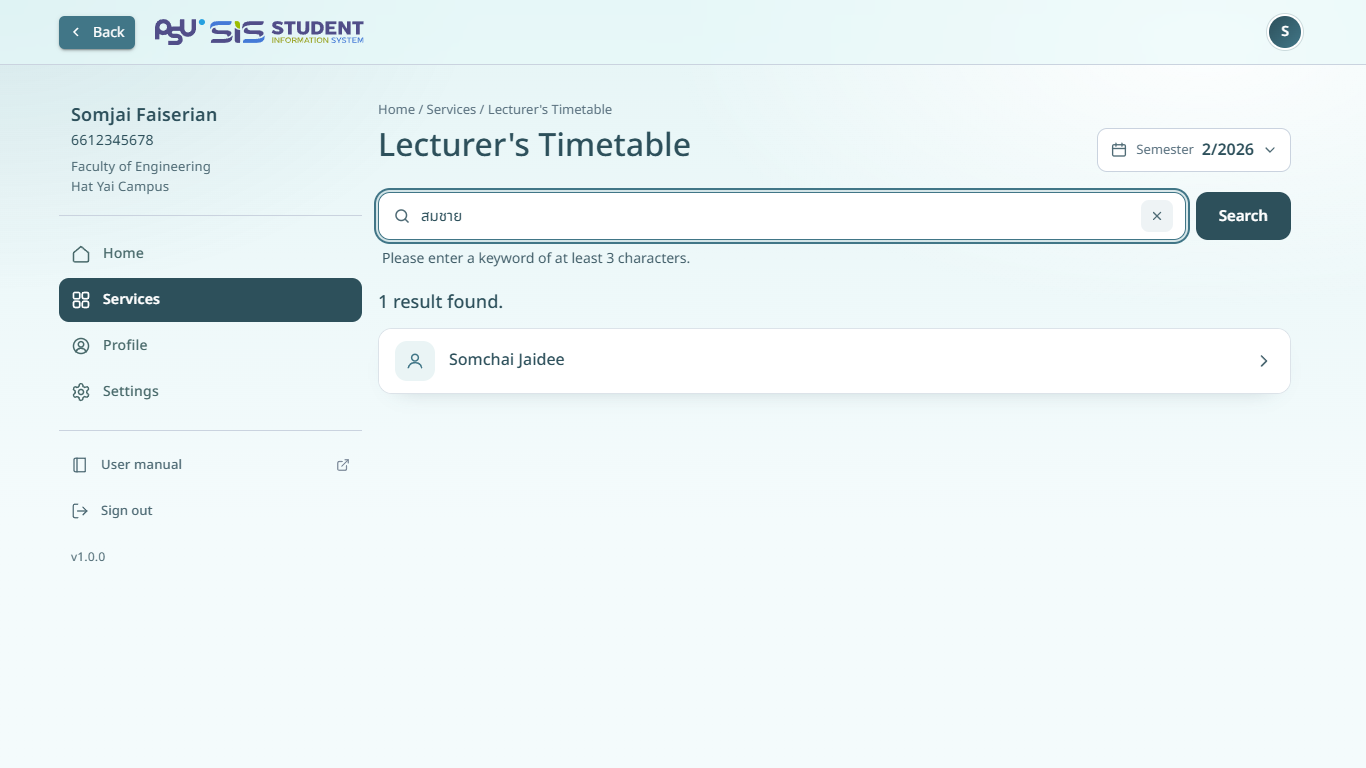
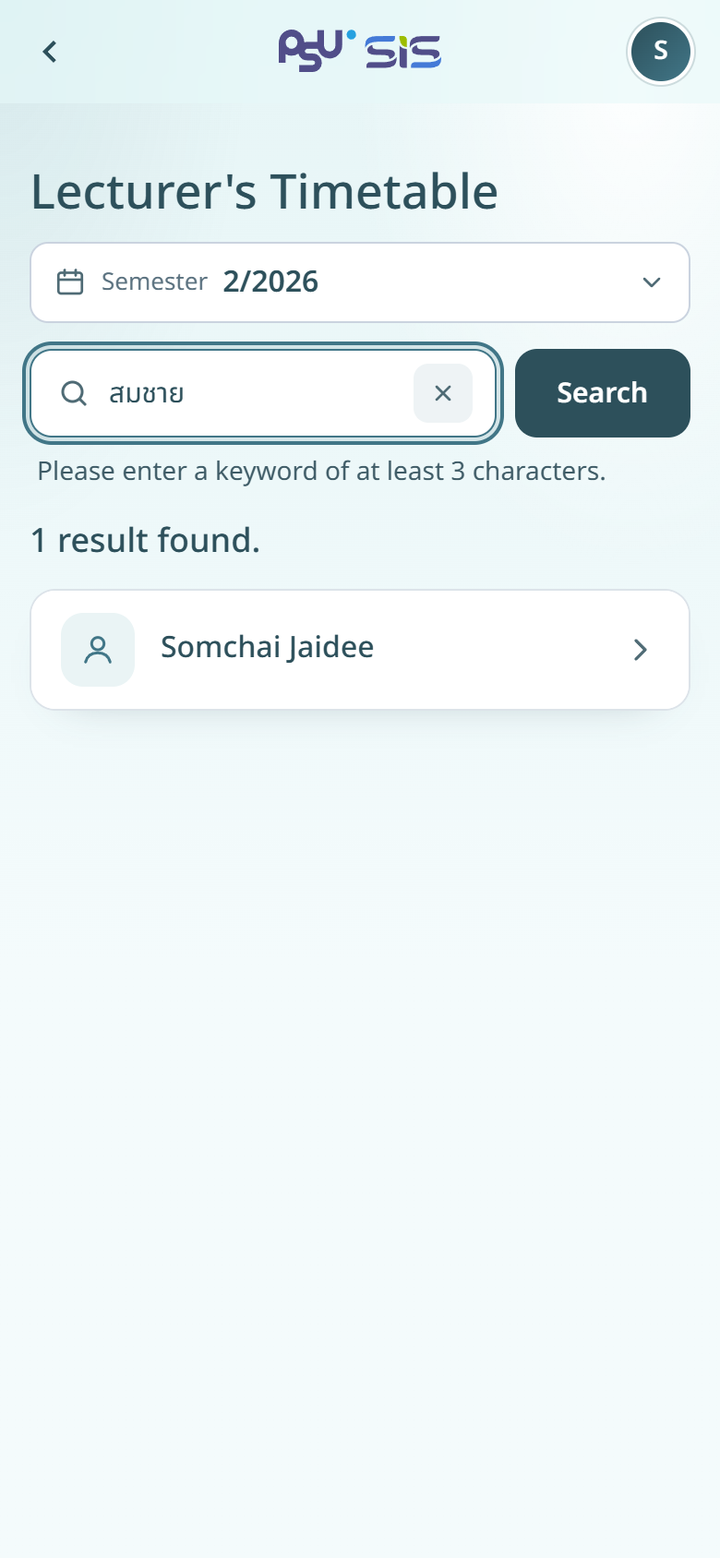
5. The page shows how many lecturers match, for example **1 result found.**, and lists them.
6. Tap the lecturer you want.

{% columns %}
{% column width="66%" %}

<figure><img src="https://2697439017-files.gitbook.io/~/files/v0/b/gitbook-x-prod.appspot.com/o/spaces%2FPvCV7q41ZxfMee96wB4p%2Fuploads%2Fgit-blob-6fd96a64f1443abb613f2f9bd8cdf147ce375772%2Fstudy-lecturer-search-desktop.png?alt=media" alt="Search for a lecturer"><figcaption><p>Desktop</p></figcaption></figure>
{% endcolumn %}

{% column width="34%" %}

<figure><img src="https://2697439017-files.gitbook.io/~/files/v0/b/gitbook-x-prod.appspot.com/o/spaces%2FPvCV7q41ZxfMee96wB4p%2Fuploads%2Fgit-blob-df5ac6c6e730a9c1906d77a541b2f2fdd71eb24a%2Fstudy-lecturer-search.png?alt=media" alt="Search for a lecturer"><figcaption><p>Mobile</p></figcaption></figure>
{% endcolumn %}
{% endcolumns %}

{% columns %}
{% column width="66%" %}

<figure><img src="https://2697439017-files.gitbook.io/~/files/v0/b/gitbook-x-prod.appspot.com/o/spaces%2FPvCV7q41ZxfMee96wB4p%2Fuploads%2Fgit-blob-08ea4f7d577992e69e3e7bffb83dbb087af9e4d7%2Fstudy-lecturer-results-desktop.png?alt=media" alt="Lecturer search results"><figcaption><p>Desktop</p></figcaption></figure>
{% endcolumn %}

{% column width="34%" %}

<figure><img src="https://2697439017-files.gitbook.io/~/files/v0/b/gitbook-x-prod.appspot.com/o/spaces%2FPvCV7q41ZxfMee96wB4p%2Fuploads%2Fgit-blob-f0797523a73a50aee77e0a8152e087c1036a970e%2Fstudy-lecturer-results.png?alt=media" alt="Lecturer search results"><figcaption><p>Mobile</p></figcaption></figure>
{% endcolumn %}
{% endcolumns %}

## The lecturer's timetable

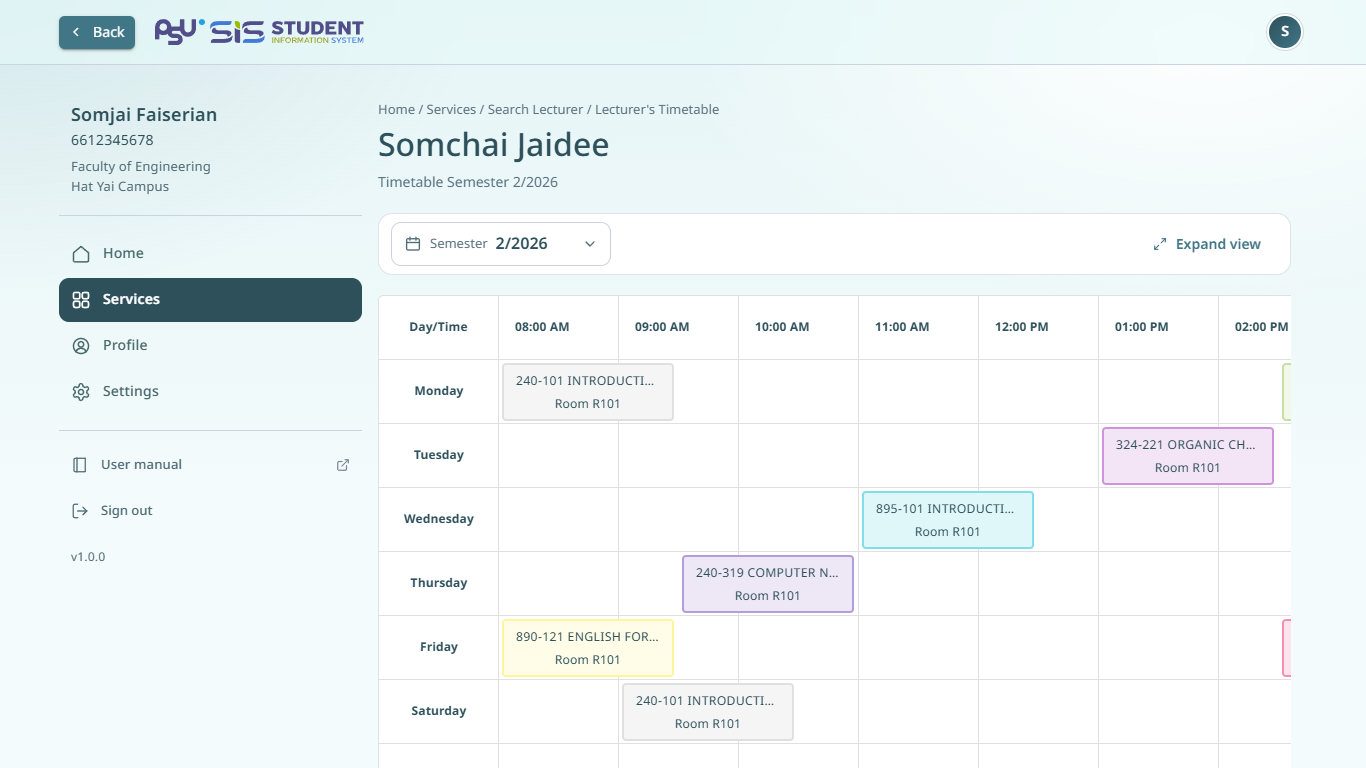
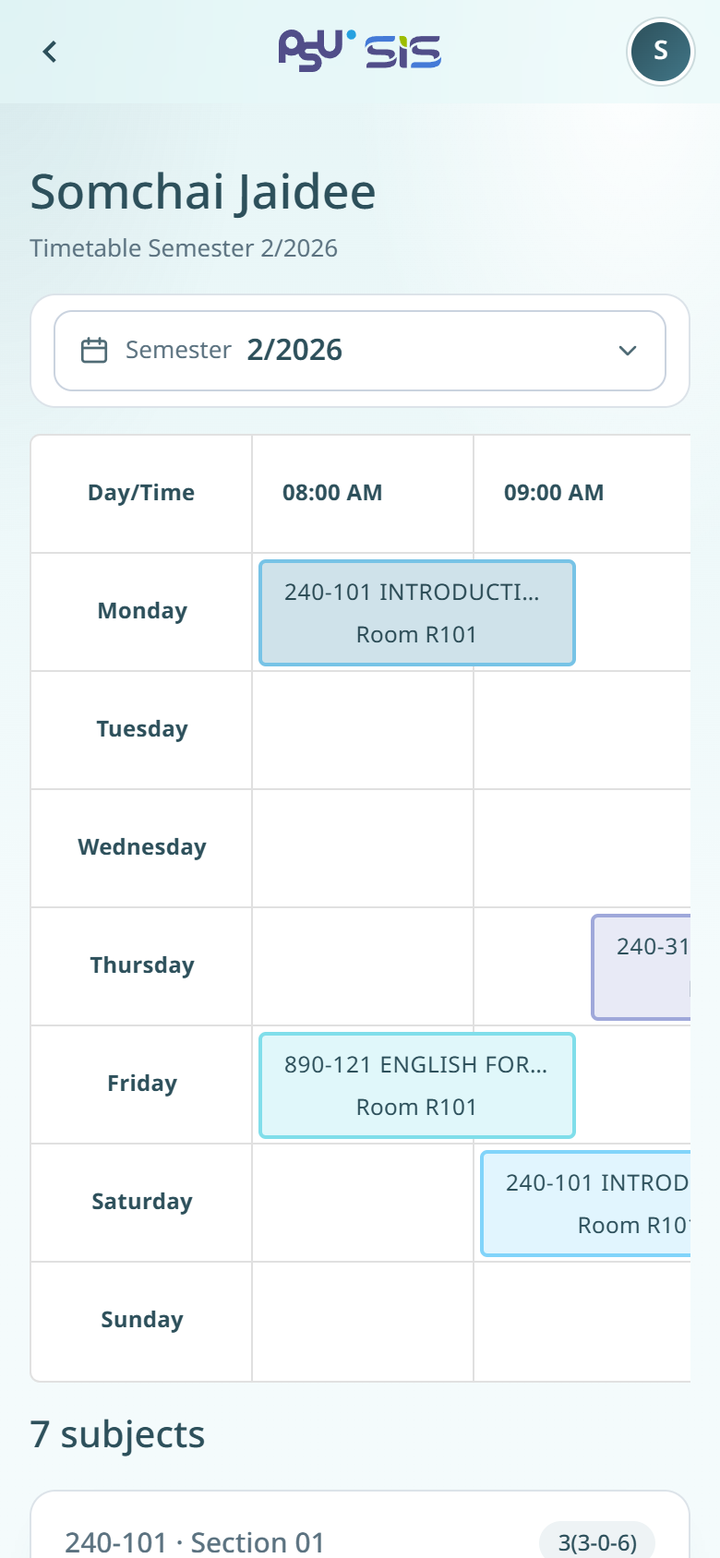
The timetable page shows the lecturer's name and a grid of days and times. Swipe the grid left to see later times.

Each subject the lecturer teaches has a card with the subject code, section, subject name, day, time and room. Tap the **Semester** field to see another semester.

{% columns %}
{% column width="66%" %}

<figure><img src="https://2697439017-files.gitbook.io/~/files/v0/b/gitbook-x-prod.appspot.com/o/spaces%2FPvCV7q41ZxfMee96wB4p%2Fuploads%2Fgit-blob-5d6203beefc2c8564e4fa9edb26eaab2a2540161%2Fstudy-lecturer-timetable-desktop.png?alt=media" alt="A lecturer&#x27;s timetable"><figcaption><p>Desktop</p></figcaption></figure>
{% endcolumn %}

{% column width="34%" %}

<figure><img src="https://2697439017-files.gitbook.io/~/files/v0/b/gitbook-x-prod.appspot.com/o/spaces%2FPvCV7q41ZxfMee96wB4p%2Fuploads%2Fgit-blob-17019fe48e2390ddb225e6c3dcb8c394be5bd353%2Fstudy-lecturer-timetable.png?alt=media" alt="A lecturer&#x27;s timetable"><figcaption><p>Mobile</p></figcaption></figure>
{% endcolumn %}
{% endcolumns %}

## Messages you may see

* **Please enter a keyword of at least 3 characters.** shows under the search field when your keyword is too short. Type at least 3 characters.
* **No lecturer matched your search.** Check the spelling or choose another semester.
* **No teaching schedule this semester** means the lecturer teaches no subjects that semester. Tap **Search another lecturer** to search again.