> For the complete documentation index, see [llms.txt](https://psu-sis-team.gitbook.io/sis/llms.txt). Markdown versions of documentation pages are available by appending `.md` to page URLs; this page is available as [Markdown](https://psu-sis-team.gitbook.io/sis/manual/en/study/grades.md).
# Grades
See your grades for each semester and your cumulative grade point average (your average grade over all semesters together).
## See the grades for a semester
1. Open the ☰ menu and tap **Study Result**.
2. The latest semester that has grades opens.
{% columns %}
{% column width="66%" %}
Desktop
{% endcolumn %}
{% column width="34%" %}
Mobile
{% endcolumn %}
{% endcolumns %}
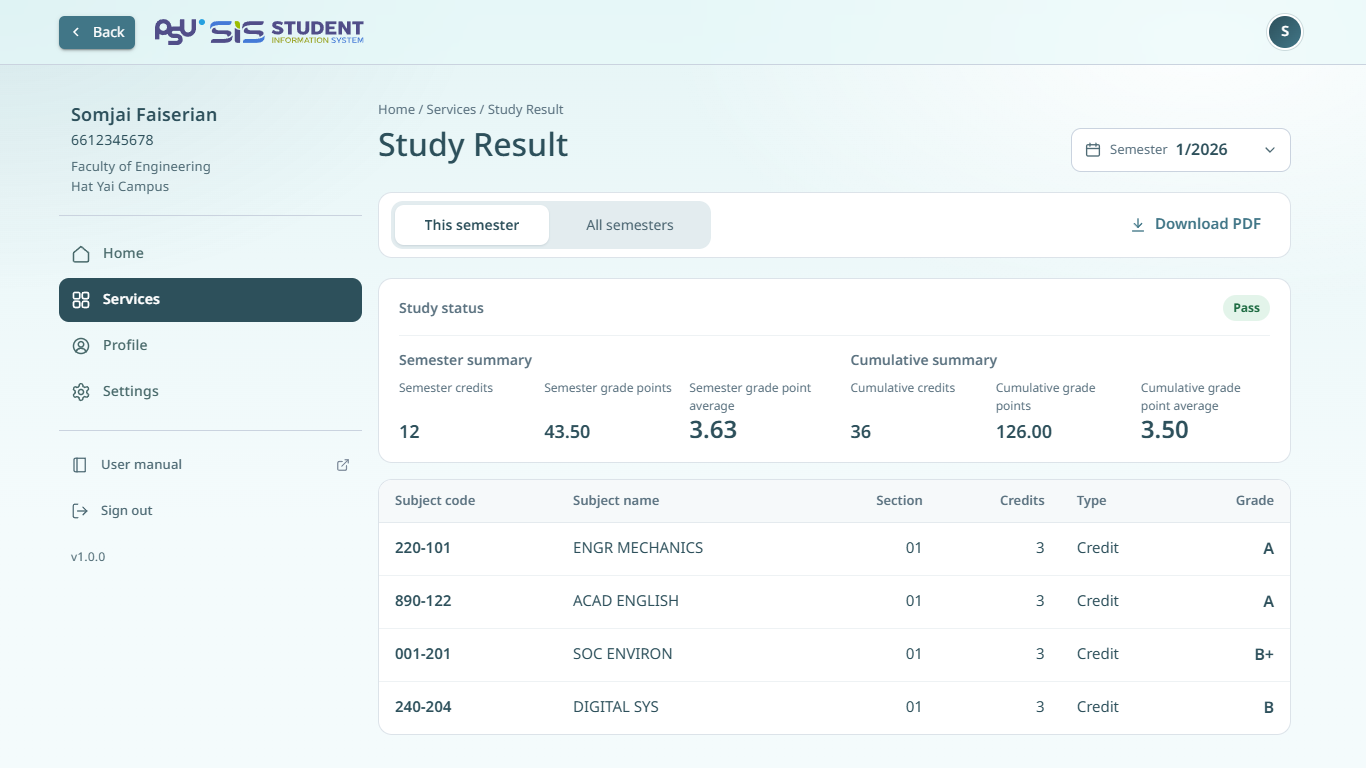
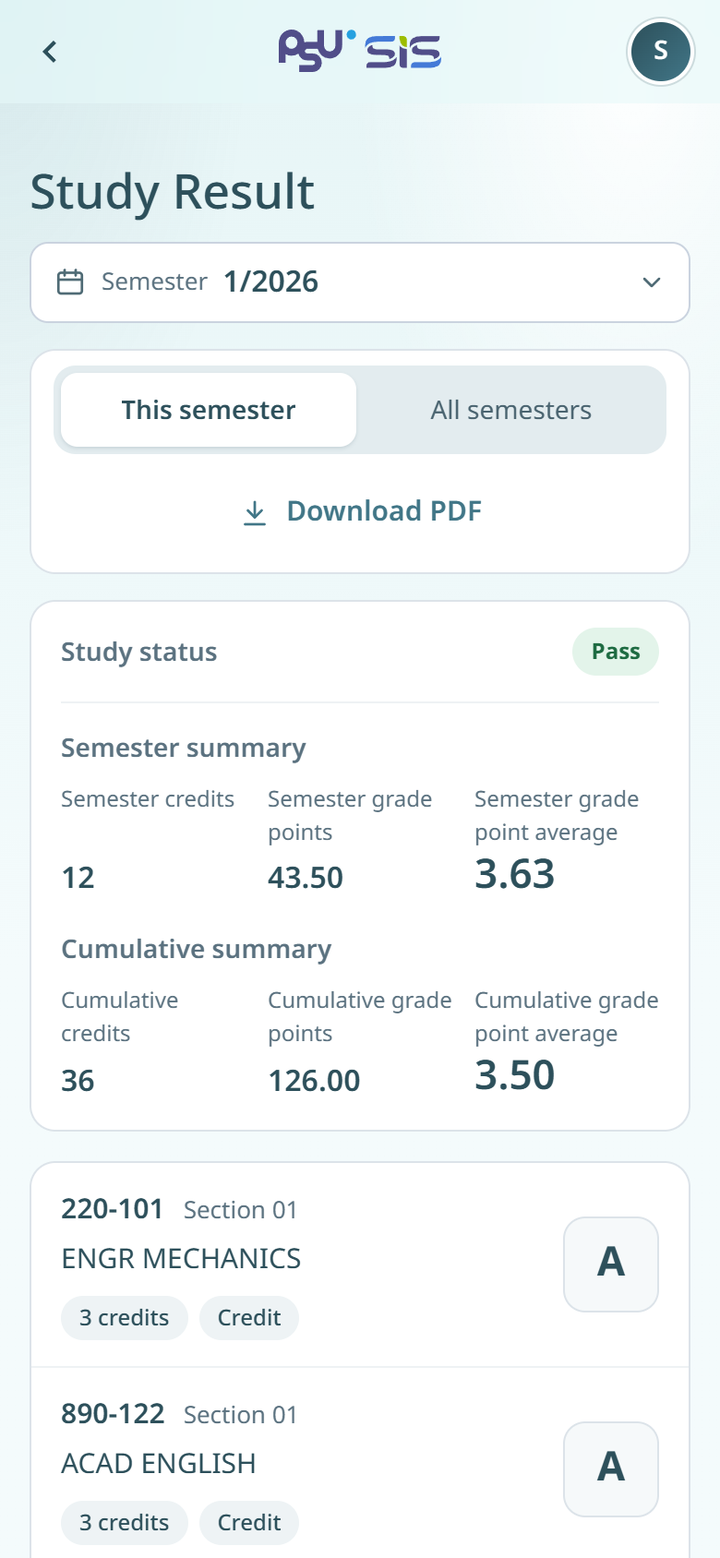
The page shows the following.
* **Study status** for that semester.
* **Semester summary**. The credits you enrolled in, the grade points (credits times the grade value) and the grade point average for that semester.
* **Cumulative summary**. The same figures, counted over all semesters.
* The subjects you enrolled in. Each subject shows the subject code, section, subject name, credits, registration type (Credit, Audit or NonCredit) and grade.
## Change the semester
1. Tap the **Semester** field at the top of the page.
2. Choose the semester you want.
3. The grades for that semester show.
The **Semester** field shows only in the **This semester** view.
## Show all semesters
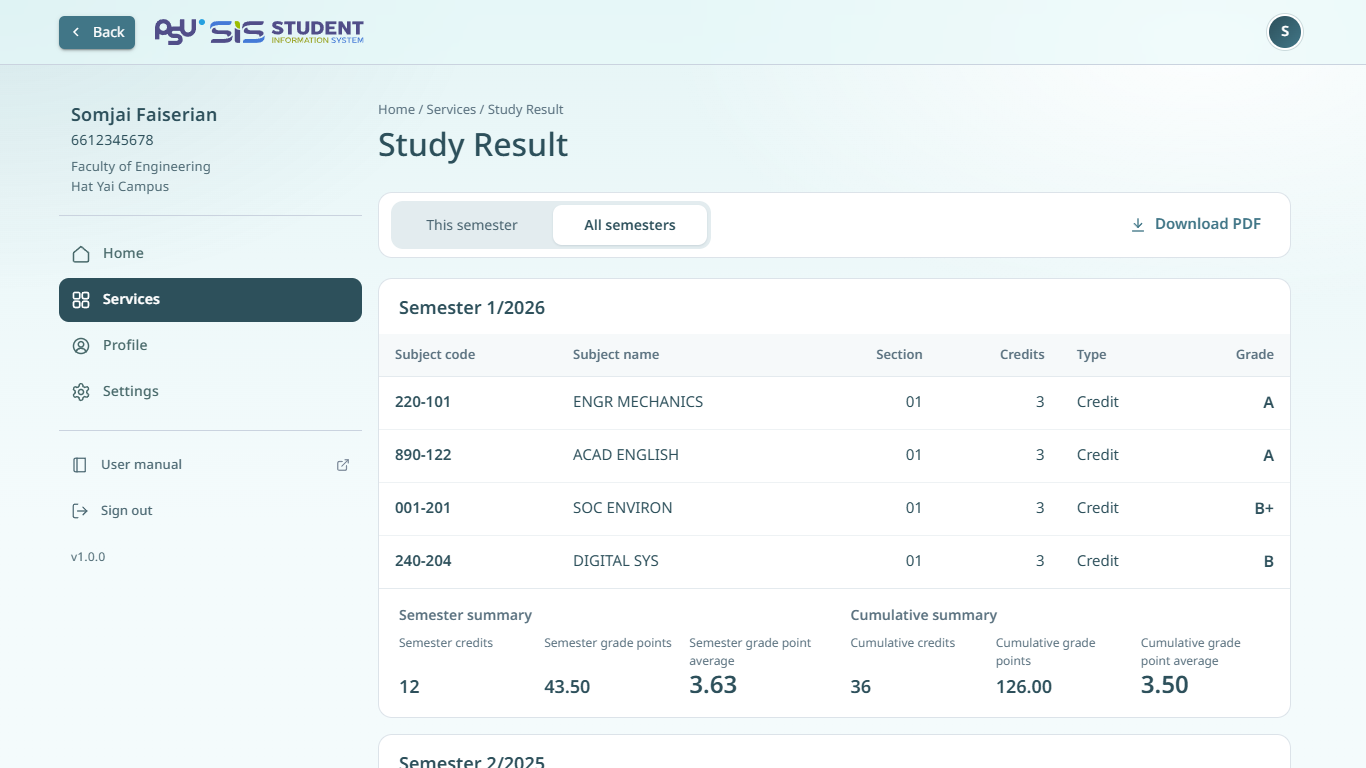
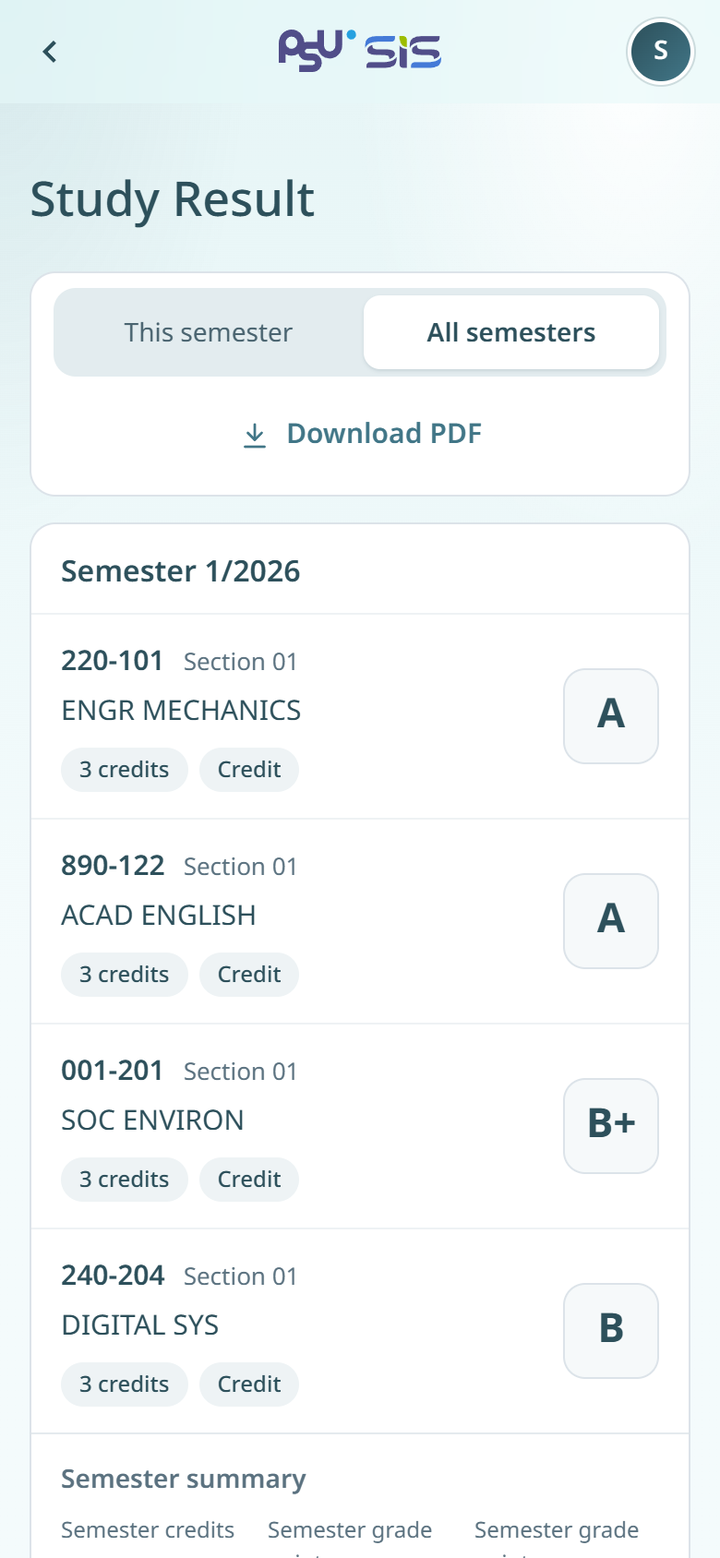
1. Tap **All semesters**.
2. The grades show in one box per semester, newest first.
A semester with no grades, such as a semester when you were on leave or kept your student status, shows the reason instead of subjects. Tap **This semester** to go back to one semester at a time.
{% columns %}
{% column width="66%" %}
Desktop
{% endcolumn %}
{% column width="34%" %}
Mobile
{% endcolumn %}
{% endcolumns %}
{% hint style="info" %}
If you have transferred subjects, you also see a **Transferred subjects** option. Tap it to see the transferred subjects and the transferred credit summary.
{% endhint %}
## Download your grades
Tap **Download PDF** to save your grades as a PDF file. The button shows when the chosen semester has grades.
## No grades yet
If grades are not announced yet, the page shows **No grades yet**. Grades appear once results are announced for a semester you enrolled in.