> For the complete documentation index, see [llms.txt](https://psu-sis-team.gitbook.io/sis/llms.txt). Markdown versions of documentation pages are available by appending `.md` to page URLs; this page is available as [Markdown](https://psu-sis-team.gitbook.io/sis/manual/en/study/calendar.md).
# Academic calendar
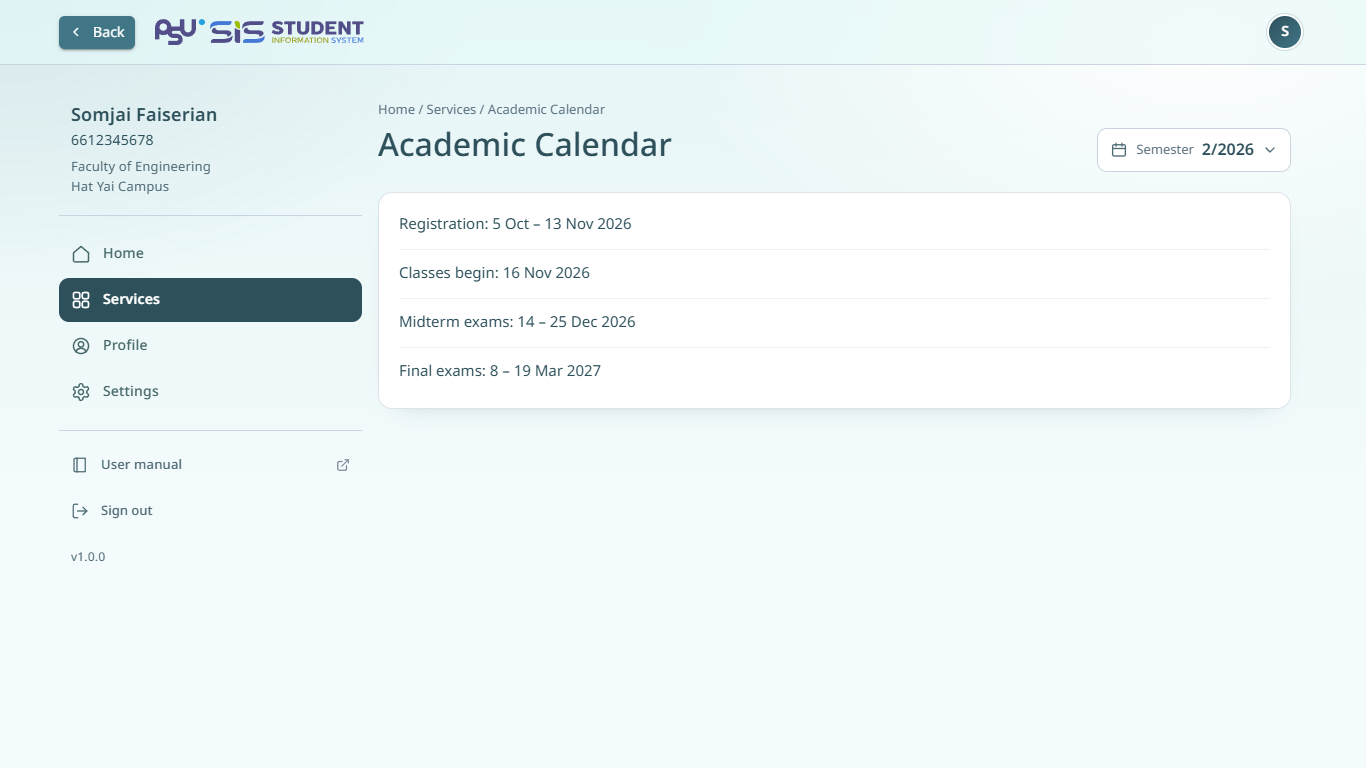
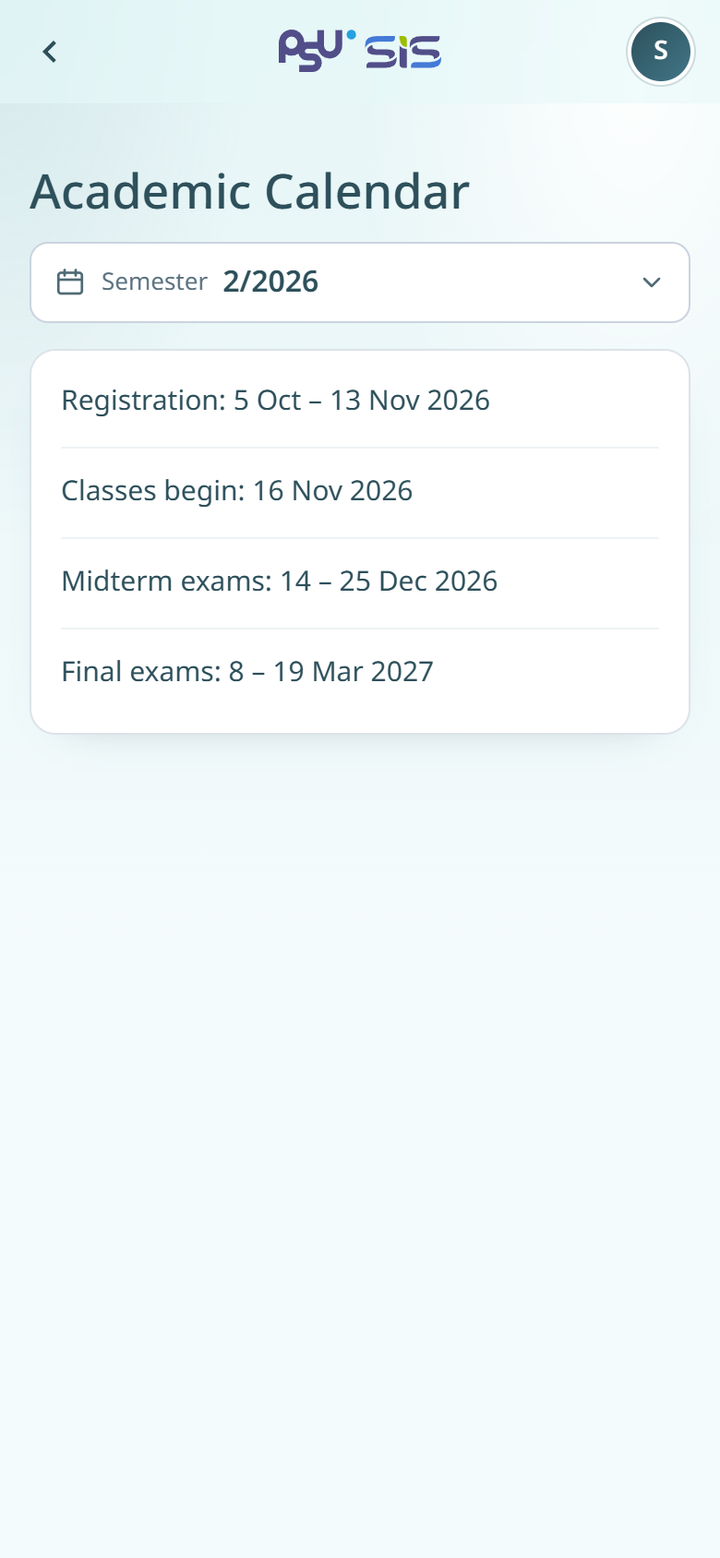
See the key dates of a semester, such as the registration period, the first day of the semester and the exam weeks.
1. Open the ☰ menu and tap **Academic Calendar**, or tap **See all** on the academic calendar card on the [home page](/sis/manual/en/getting-started/home.md).
2. The calendar for the current semester opens.
3. To see another semester, tap the **Semester** field.
{% columns %}
{% column width="66%" %}
Desktop
{% endcolumn %}
{% column width="34%" %}
Mobile
{% endcolumn %}
{% endcolumns %}
The calendar shows a list of dates. Some semesters also have a calendar image published by the university.
{% hint style="info" %}
The academic calendar card on the home page shows only the period that matters now, such as **Enrollment period**, with its **Starts** and **Ends** dates.
{% endhint %}
If the university has not published the calendar for the chosen semester, the page shows **No academic calendar yet**.