> For the complete documentation index, see [llms.txt](https://psu-sis-team.gitbook.io/sis/llms.txt). Markdown versions of documentation pages are available by appending `.md` to page URLs; this page is available as [Markdown](https://psu-sis-team.gitbook.io/sis/manual/en/getting-started/home.md).
# Home page
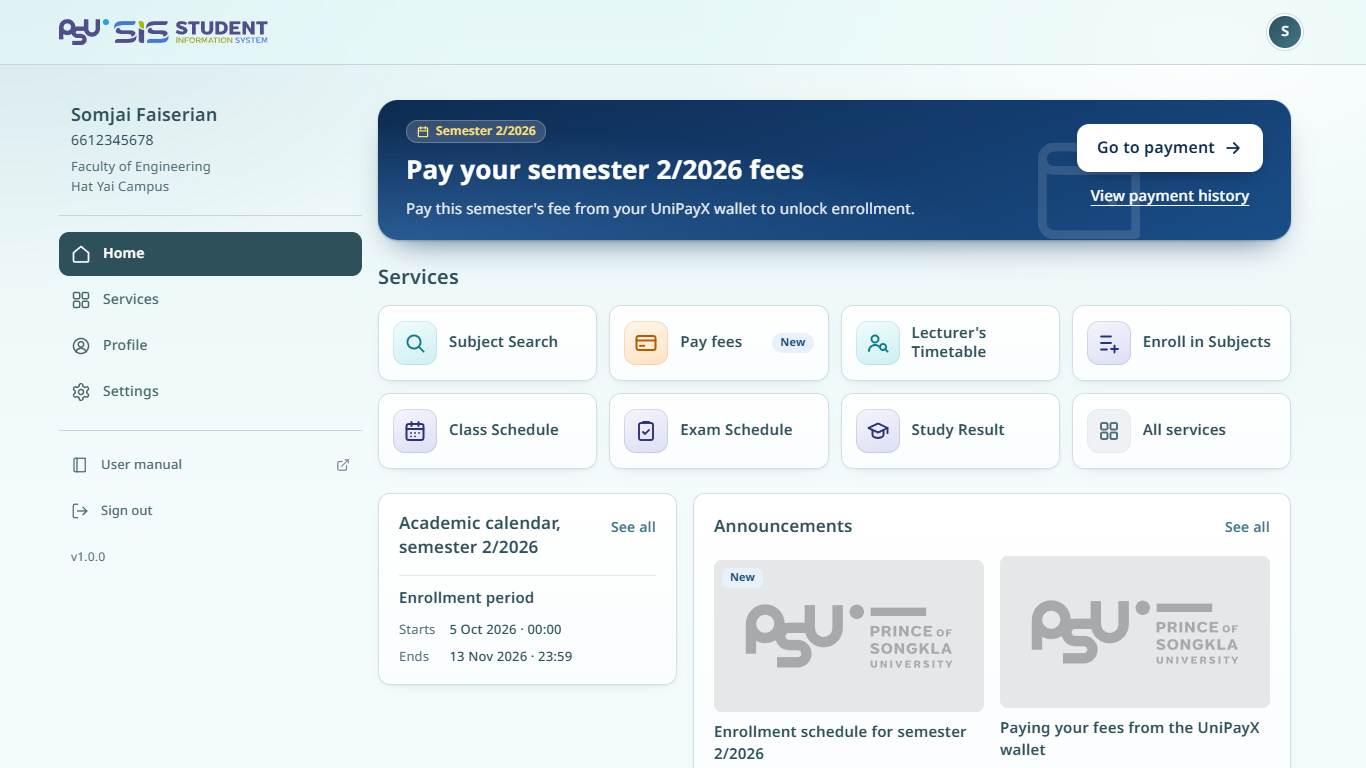
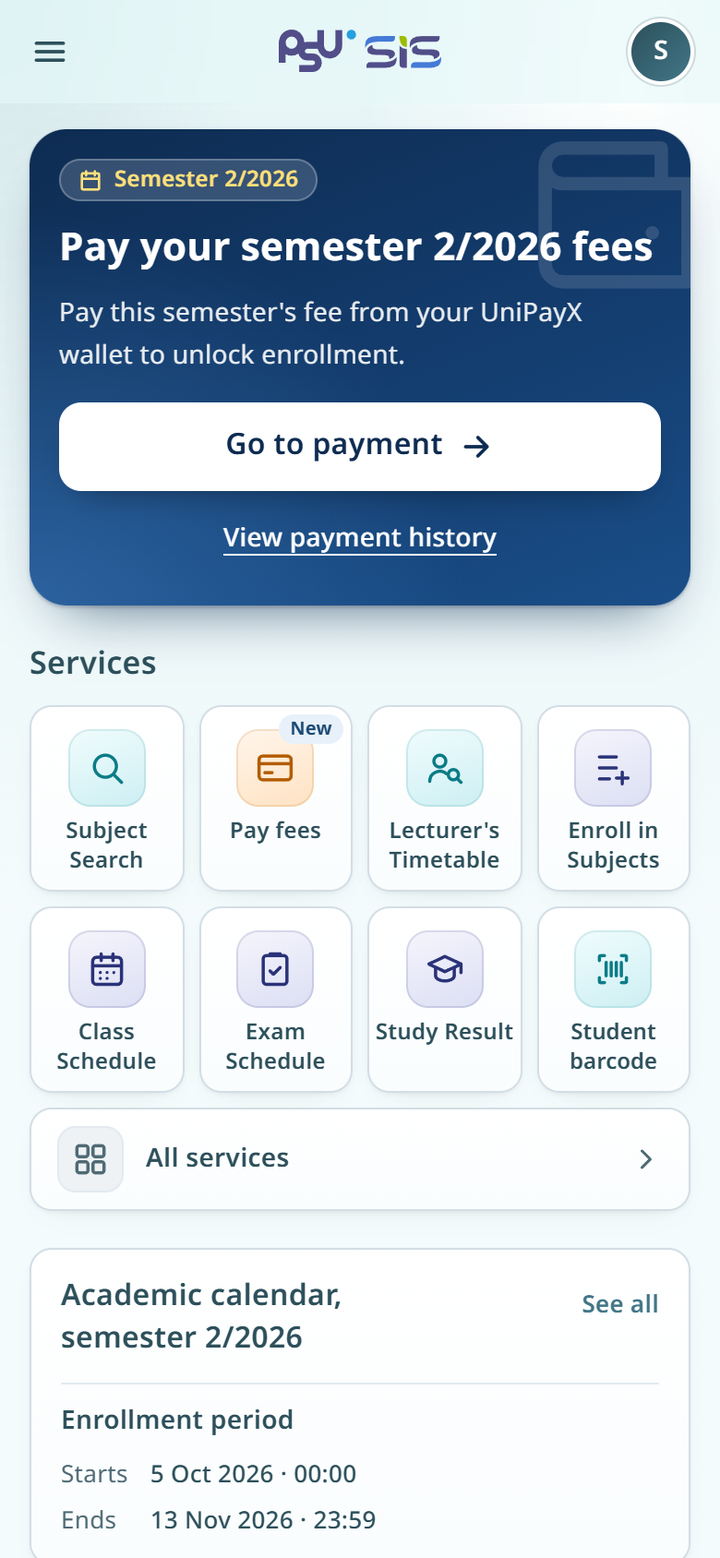
After you sign in, the home page opens. To come back to it at any time, tap the SIS logo at the top or tap **Home** in the menu.
{% columns %}
{% column width="66%" %}
Desktop
{% endcolumn %}
{% column width="34%" %}
Mobile
{% endcolumn %}
{% endcolumns %}
## The fee payment card
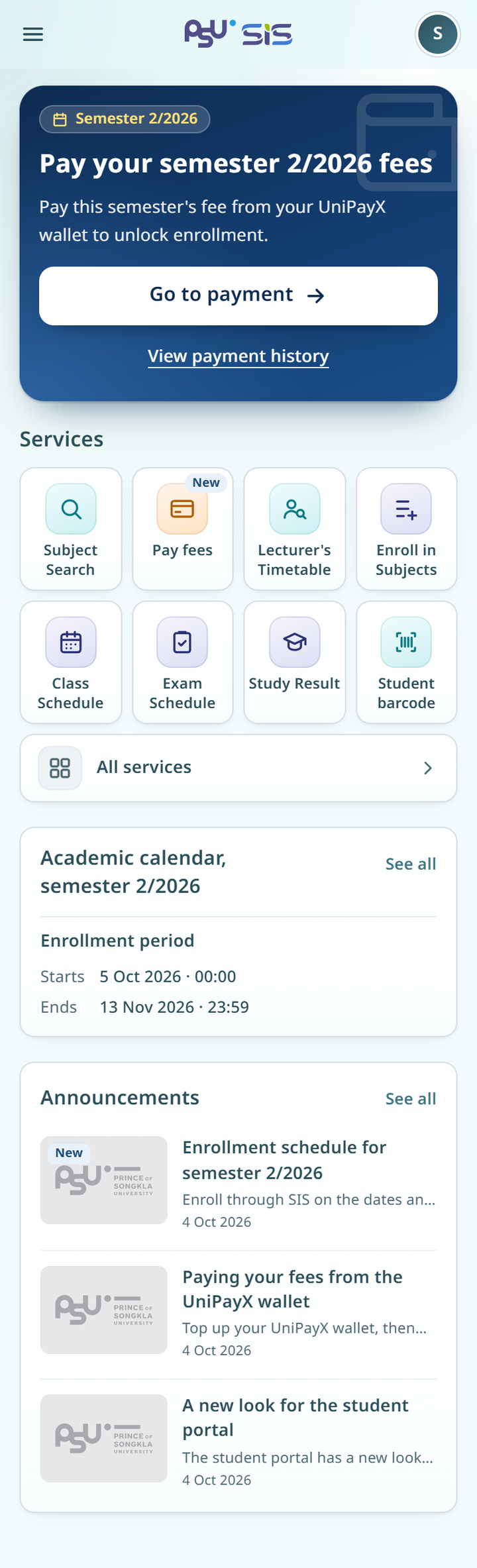
The dark card at the top tells you what to do this semester. The label at the top shows the semester, for example **Semester 2/2026**. Below it are a title, for example **Pay your semester 2/2026 fees**, and a short description. A faint icon in the corner shows the stage you are at.
* Tap **Go to payment** to open the fee payment page for that semester.
* Tap **View payment history** to see what you have paid.
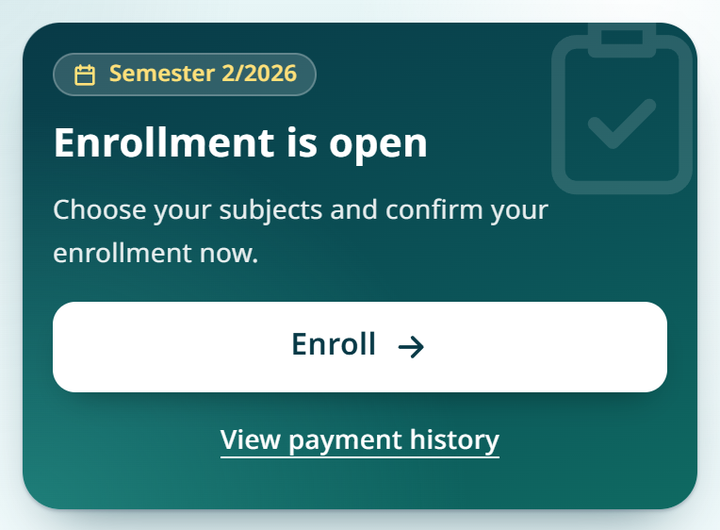
The text and buttons on this card change with your payment status. After you pay, the card turns green, the title becomes **Enrollment is open**, and **Enroll** opens the enrollment page. For details, see [Paying fees](/sis/manual/en/payment/payment.md).
{% columns %}
{% column width="66%" %}
Desktop
{% endcolumn %}
{% column width="34%" %}
Mobile
{% endcolumn %}
{% endcolumns %}
## Services
The **Services** section shows the services you use most. Tap an icon to open that service. A **New** badge marks a service that has just opened.
* Tap **Student barcode** to show your student barcode. Tap **Close** when you finish. On a computer, **Student barcode** is in the **My account** menu.
* Tap **All services** to open the **Services** page with every service.
## Academic calendar and announcements
* The **Academic calendar** card shows the key dates of the current semester. Tap **See all** to open the [Academic calendar](/sis/manual/en/study/calendar.md).
* The **Announcements** card shows the latest news. Tap a news item to read it, or tap **See all** to open [Announcements](/sis/manual/en/services/news.md).
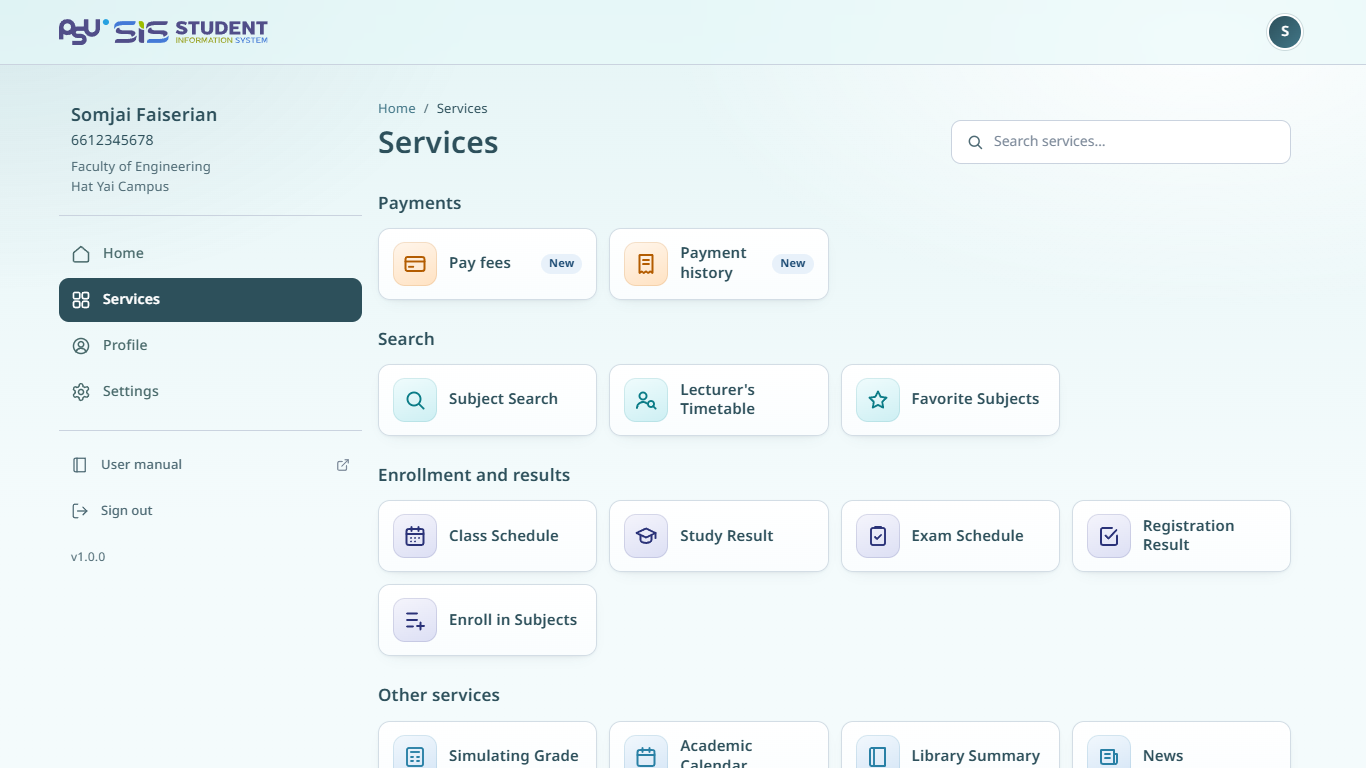
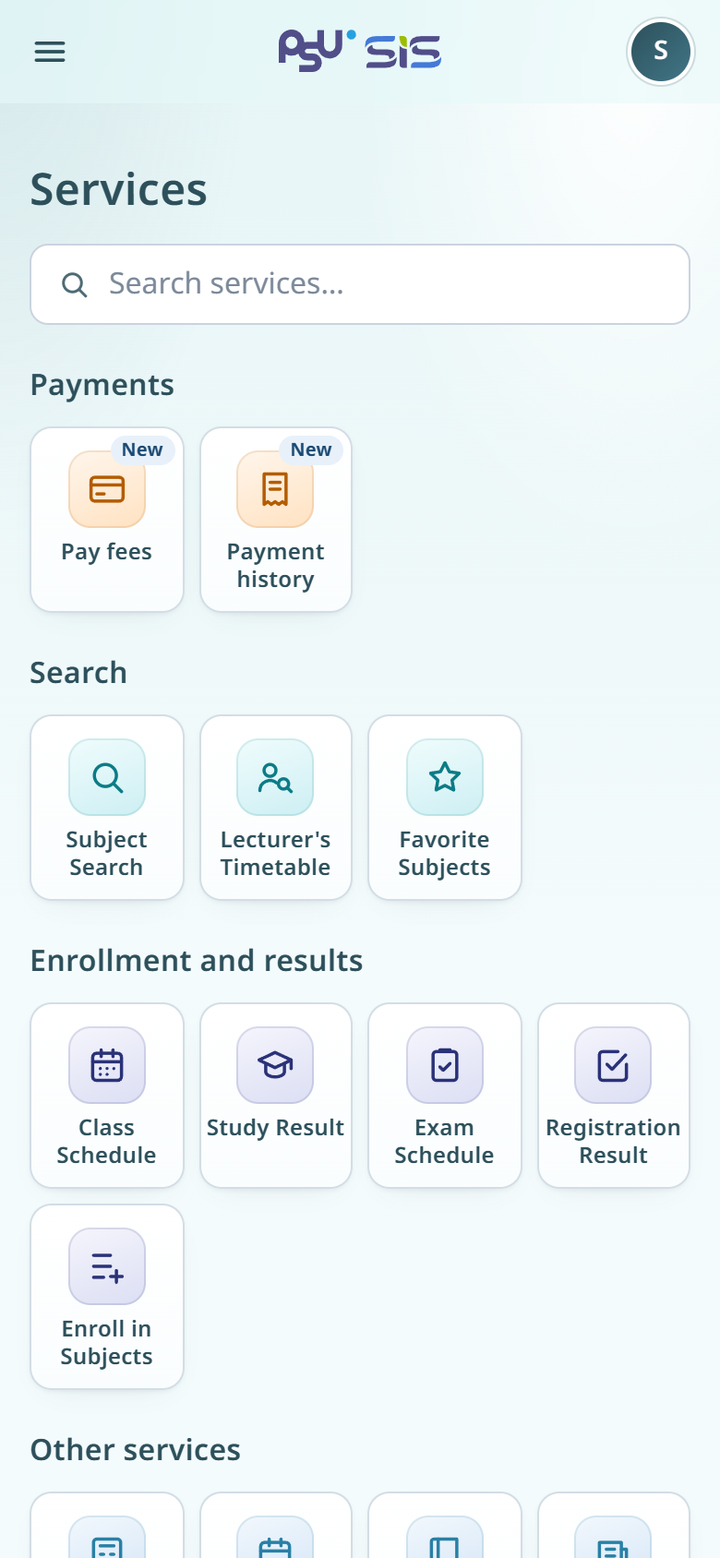
## The Services page
The **Services** page lists every service in groups, such as **Payments**, **Search**, **Enrollment and results** and **Other services**.
1. Tap **All services** on the home page.
2. Type a service name in **Search services…**, or scroll through the groups.
3. Tap the service you want.
A service that is closed for now has a **Closed** badge and does not open.
{% columns %}
{% column width="66%" %}
Desktop
{% endcolumn %}
{% column width="34%" %}
Mobile
{% endcolumn %}
{% endcolumns %}
To see where each menu item goes, read [Menus and navigation](/sis/manual/en/getting-started/menus.md).